 Get the app
 Now on Google Play · Free
Edit PDFs. Keep files local.
Change the text and images already in a PDF, convert to Word, Excel and PowerPoint, OCR scans and redact — on your Android phone, without uploading a thing.

Scan to install Opens Google Play on your phone
- Free download
- Android 8.0+
- No account
- Works offline
On a computer and just need to merge or split? Use the free browser tools →

01What the app does
A real PDF editor, in your pocket.
Not a viewer with a pen tool. PDFMason changes the document itself — and tells you up front when a file can’t be edited.
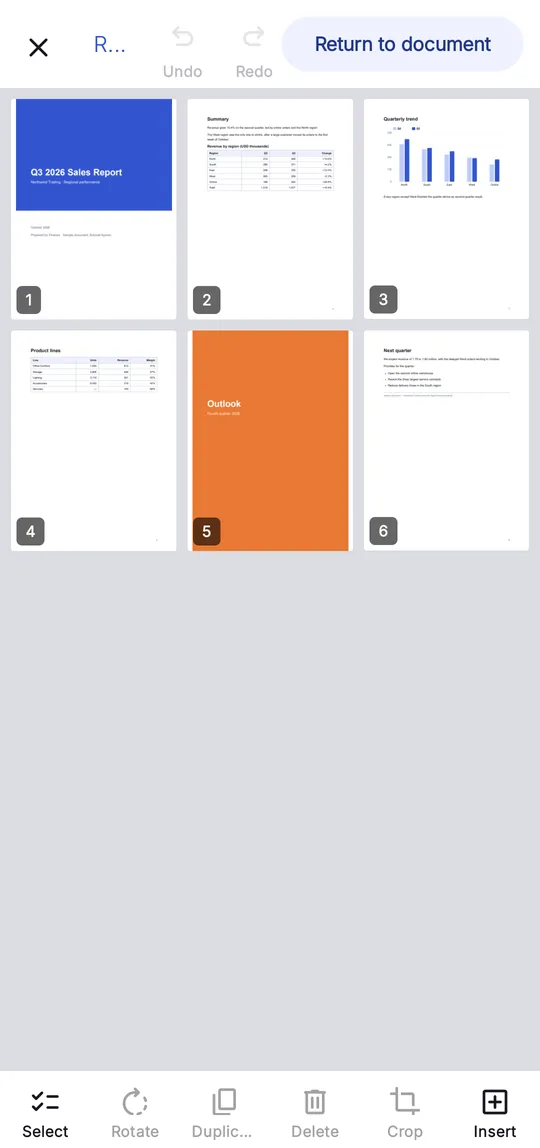
Edit text & images
Change the words that are already there.
Fix a price, a date or a whole paragraph in the original PDF. The font is re-embedded, so the result stays selectable and searchable.
- Replace, resize and rotate images
- Undo and redo every change
- Saves a copy — your original is untouched
PDF to Office
Word, Excel and PowerPoint. No upload.
Turn a report, a table or a deck back into a file you can keep editing — converted on the phone, not on someone’s server.
- DOCX, XLSX and PPTX
- Flowing text or exact page layout

On-device OCR
Make scanned PDFs searchable.
Recognize the text in a scan, then search it, copy it or save a searchable PDF. The images never leave the phone.


02Privacy by design
Your files stay on your phone.
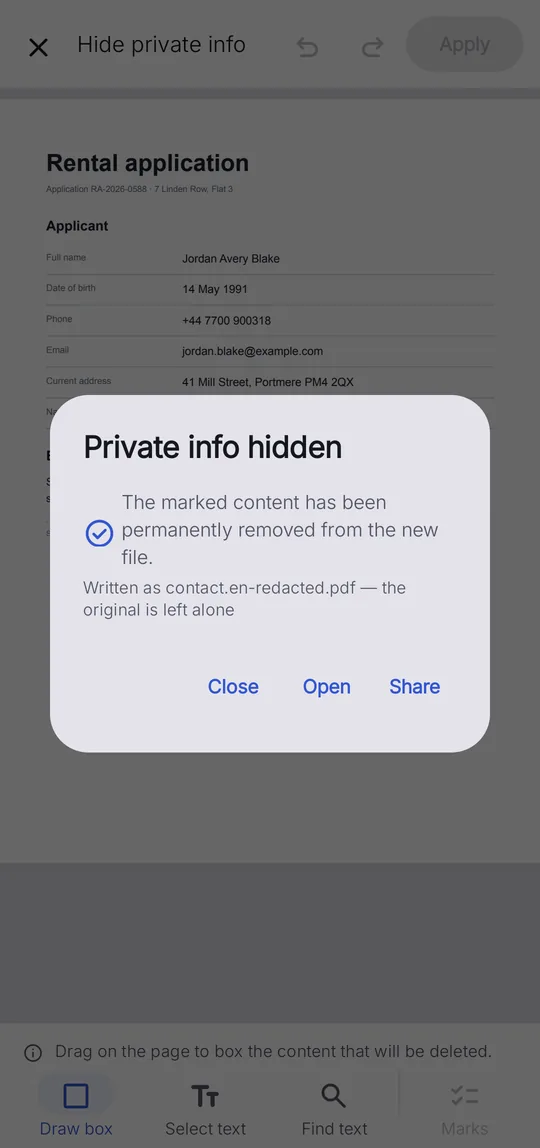
Editing, OCR, conversion, redaction and compression all run on the device. There is no PDFMason server to send them to.
03Browser or app
Start in the browser. Finish in the app.
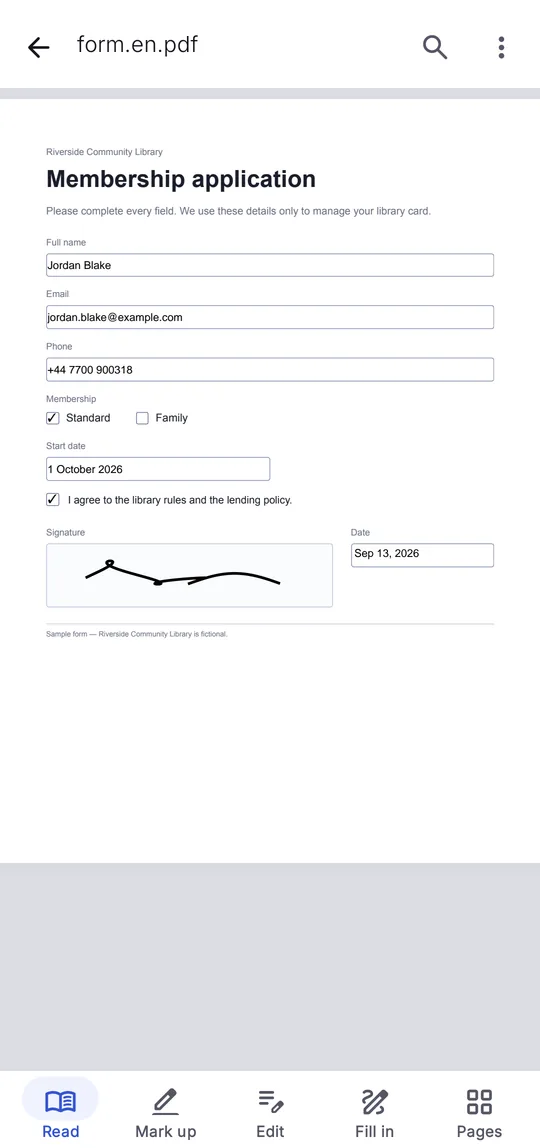
The browser tools handle whole pages. Anything that changes what’s written on the page needs the app.
| Feature | Free browser tools |  PDFMason for Android PDFMason for Android |
|---|---|---|
| Merge, split, rotate, reorder pages | ||
| Sign, watermark, page numbers | ||
| Edit the text and images already in the PDF | ||
| Convert to Word, Excel, PowerPoint | ||
| OCR scanned PDFs | ||
| Redact sensitive content | ||
| Files leave your device | Never | Never |
04No install needed
12 free tools, right in your browser.
05FAQ
Questions
Is PDFMason free?
Do my files get uploaded?
Which phones does it run on?
Is there an iPhone version?
Can the browser tools edit the text inside a PDF?
Edit PDFs.
Keep files local.
Free on Google Play. No account, no upload, works offline.
Scan to install Opens Google Play on your phone
